
Cluster overview
Open Clusters to see every cluster in the teams you belong to. Each card shows its status, cloud provider, region, team, Kubernetes version and number of node groups. With more than three clusters, a filter box lets you search by name, team or region.
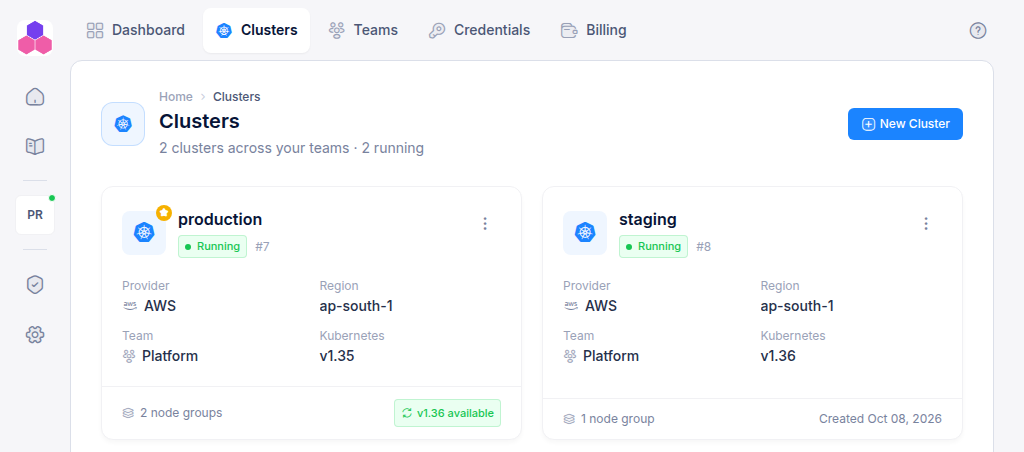
Click a Running cluster's name to open it. A cluster that is still being created, upgraded or deleted cannot be opened. Click its status badge to see what it is doing.
The cluster page
The header shows the cluster's status, provider, region, Kubernetes version and team, with two buttons:
- Events: the recent Kubernetes events from the cluster, useful when a workload will not start. Team Admins only.
- Settings: maintenance actions for the platform services (below). Team Admins only.
Below the header are five tabs. The address bar keeps the open tab, so a reload or a shared link opens the same one.
| Tab | Contents |
|---|---|
| Overview | Summary tiles, cluster details, endpoints and platform services |
| Node groups | The machines the cluster runs on. See Node groups |
| Projects | Namespaces for your applications. See Projects |
| Storages | Buckets and NFS volumes. See Storage |
| Databases | Managed databases (named RDS Database on AWS). See Databases |
Overview tab
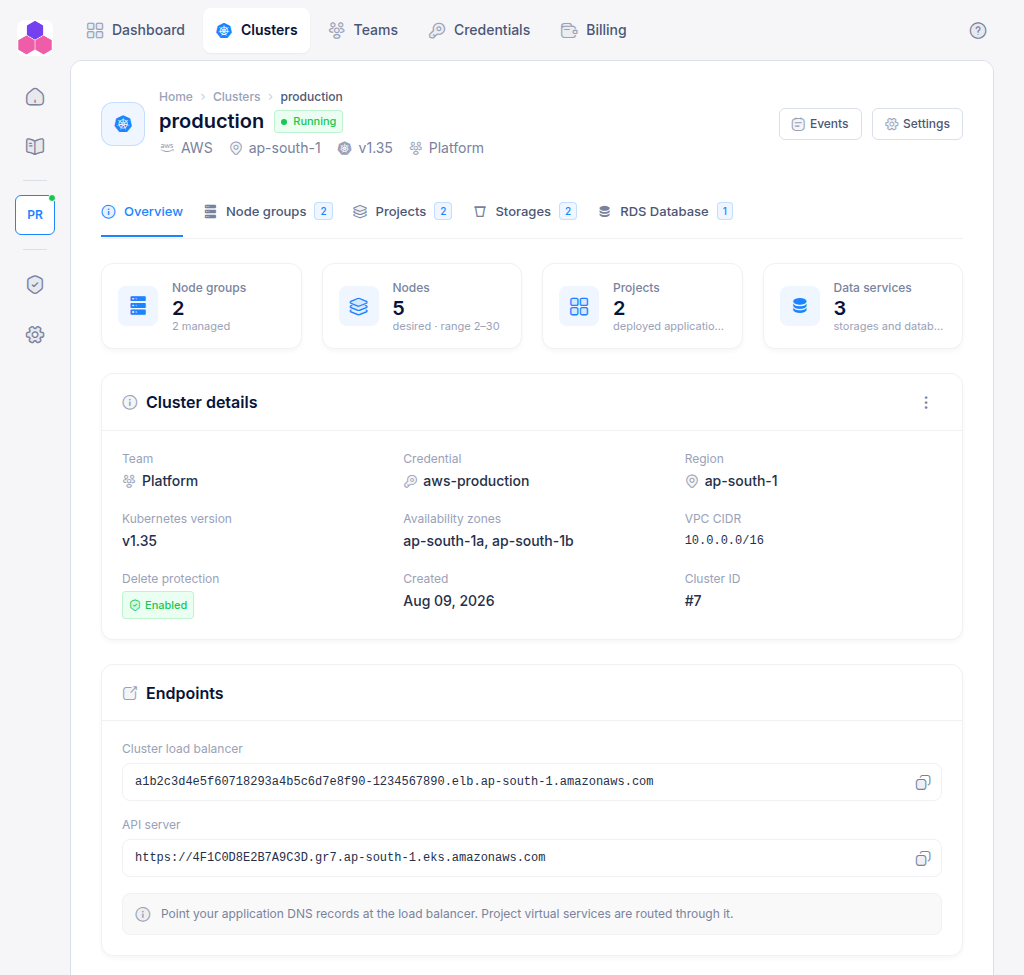
- Tiles count node groups, nodes (the desired total and the autoscaling range), projects, and data services. Click one to jump to its tab.
- Cluster details: team, credential, region, Kubernetes version, availability zones, VPC CIDR, delete protection, creation date and cluster ID.
- Endpoints:
- Cluster load balancer: the address your application domains must point at. Use it as the target of a CNAME record.
- API server: the Kubernetes API endpoint.
- Platform services: one card each for CI/CD, GitLab, Docker Registry and Grafana, with its address, user name and password. Click ↗ to open the service, the eye to reveal a password, and the copy button to copy it.
Passwords are shown to team members with Write or Admin access. Read-only members see Write access required instead.
Settings
Settings opens maintenance actions for the cluster's CI/CD service:
| Action | What it does |
|---|---|
| Restart | Restarts the CI/CD dashboard and its event watcher. Try this first if the CI/CD dashboard stops responding. |
| ReIssue-CICD-Certs | Drops the CI/CD (Argo CD) TLS certificate and restarts its server so a fresh certificate is issued. |
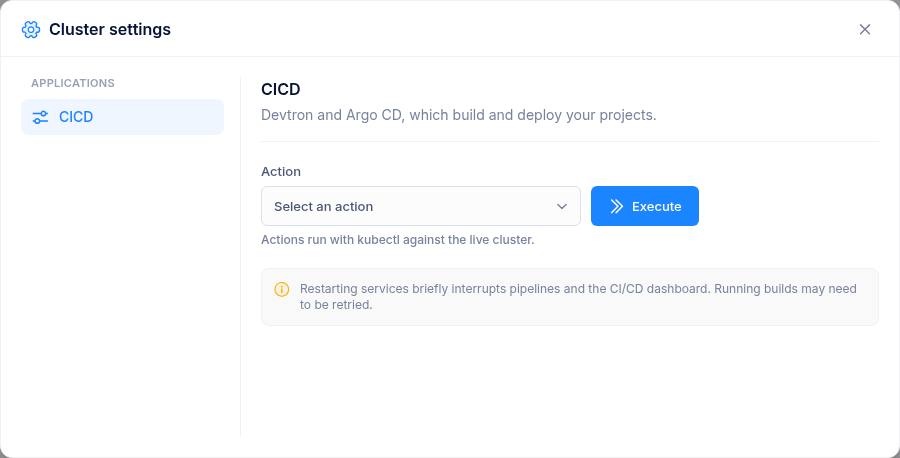
Pick an action and click Execute. Pipelines and the CI/CD dashboard are briefly interrupted, and running builds may need to be retried.